 |
Global CASHplus CashWeb |
|
Global CASHplus CashWeb |
Authorizing master definitions

All the master definitions created in GCP CashWeb must be authorized. Authorization is also required if there are any changes in the masters.
Maker-Checker concept is followed for authorizing a master. An authorized checker is allowed to authorize the same.
1. Click Admin in the header menu.
2. Click {Main menu Setup Auth} >> {Submenu Option} to view their respective authorization screens. The screen displays the list of definition pending for authorization.
Example: Click User Setup Auth >> User Category to open the Category Authorization list screen as shown below.
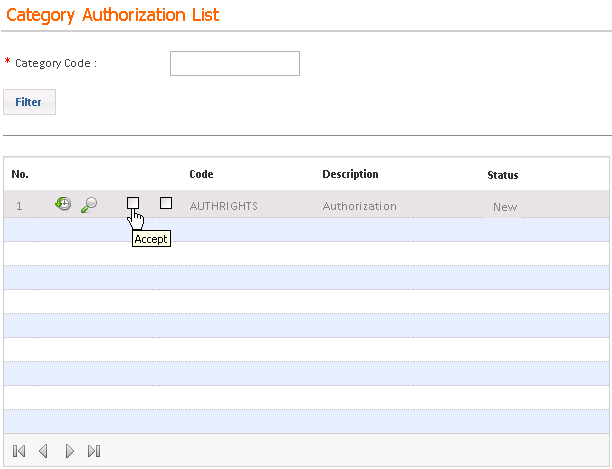
3. Click the Accept check box to authorize a definition. After authorization, the record is removed from the pending list.
4. Click the Reject check box to reject the definition. Type the reject remarks in the Reject Reason pop-up window.
After authorization is done, the definition can be viewed in the respective list screen with the Authorized status.
|
© 2014 Fundtech. All rights reserved. |

